Restaurant ERP
Restaurant ERP for floor, POS, and kitchen tickets
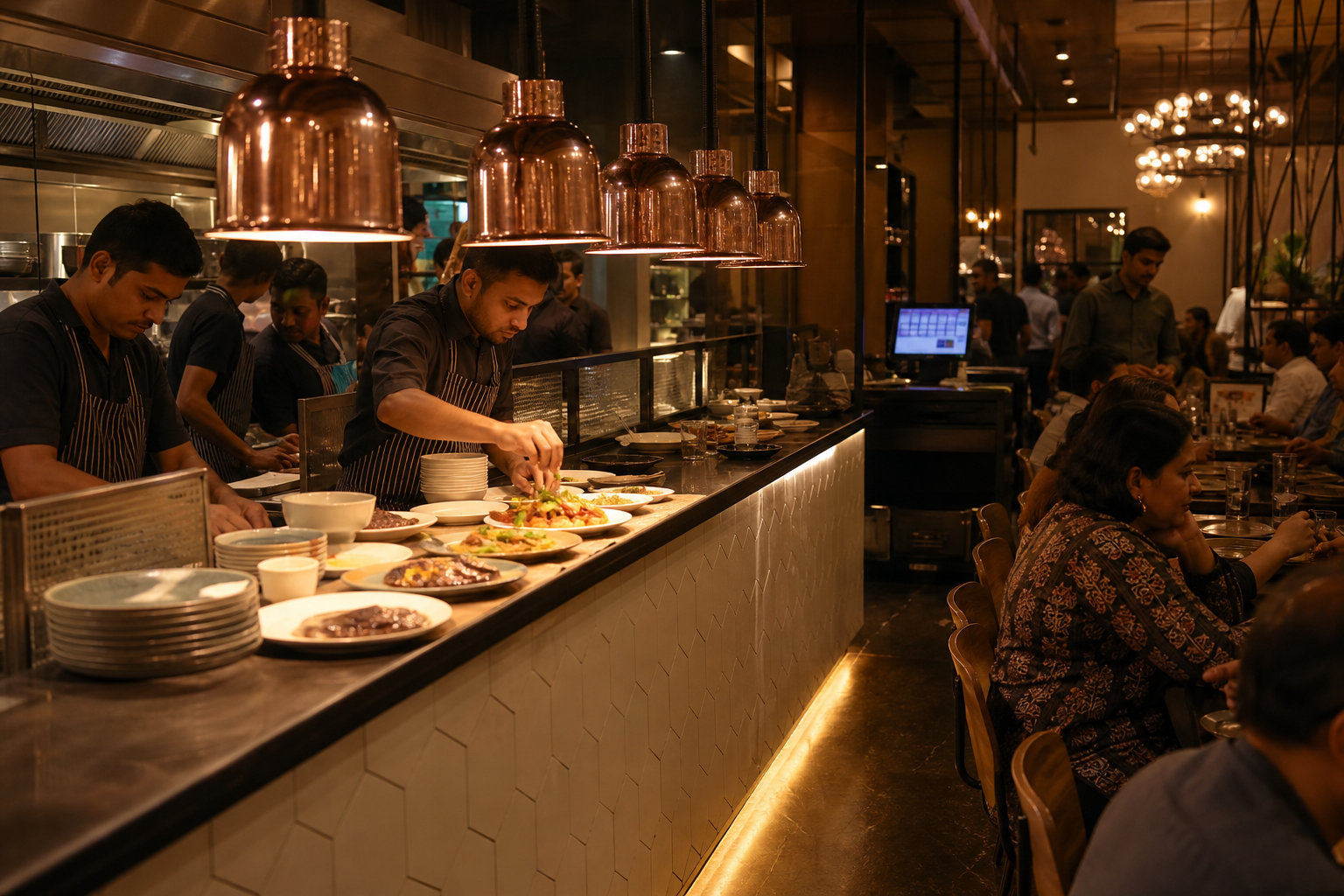
Kapish gives dining rooms a floor board, billing, and kitchen flow that stay aligned during rush hour. Tables, KOTs, settlements, and day close share one system — so managers stop reconciling three apps after midnight.
Casual dining, multi-outlet kitchens, and hotel restaurants that need reliable POS and kitchen coordination.
- 30-day free trial
- No credit card required
- Made in India
Capabilities
What the restaurant module covers
Practical workflows for day-to-day operators — not a vague feature checklist.
Floor & table management
See occupied, free, and billed tables at a glance. Move parties and keep waitlists without losing the running order.
POS billing & GST
Build checks with modifiers, discounts, and tax slabs that match Indian GST practice. Split bills when a table settles separately.
Kitchen order tickets (KOT)
Send items to the right station, track preparation status, and reduce verbal mistakes during peak service.
Menu & categories
Maintain menus, categories, and availability so the floor and kitchen sell the same catalogue.
Payments & settlements
Record cash, UPI, and card settlements against each check so day-end totals are not a mystery.
Day close & audits
Close the shift with sales, voids, and outstanding checks summarised for managers and owners.
Hotel folio posting
When the restaurant sits inside a Kapish hotel property, charges can post to the guest stay instead of a loose paper chit.
Online & takeaway orders
Bring channel and takeaway tickets into the same ops rhythm so pickup counters are not a separate spreadsheet world.
Staff permissions
Cashiers, captains, and managers see only the screens their role needs — including void and discount controls.
Local discovery
Use Google Business Marketing from the same Kapish login to keep hours, posts, and review replies current for nearby diners.
On the floor
Kitchen tickets that match the floor
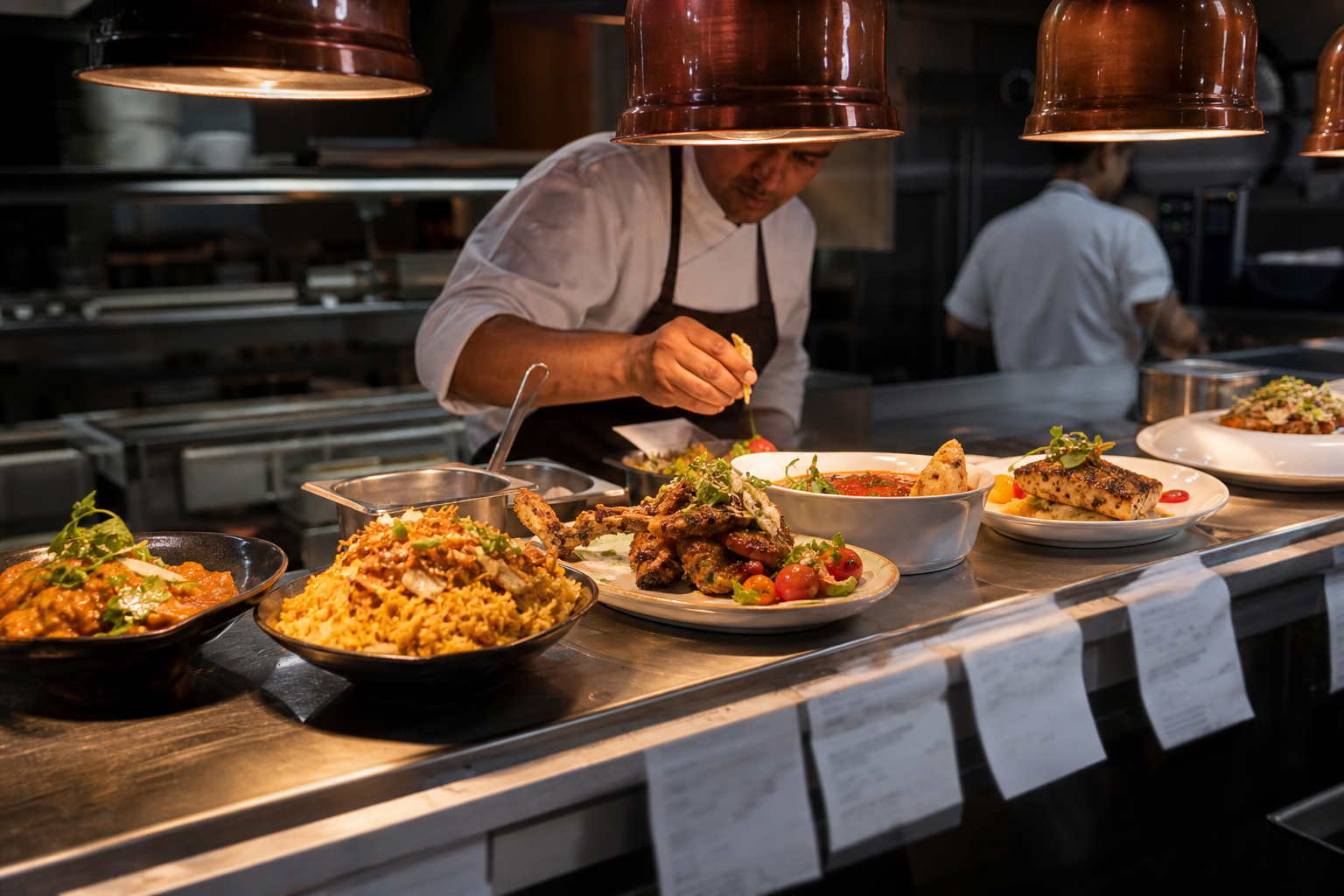
Orders move from table to kitchen without rewriting on paper. Status changes stay visible so runners and cashiers are not guessing which plate belongs to which bill.
Compare thoughtfully
How Kapish compares to typical restaurant setups
A common pattern is a basic POS plus paper KOTs plus a separate accounts tool. Kapish is built so floor, kitchen, and settlement stay linked.
| Capability | Typical ERP / tool setups | With Kapish |
|---|---|---|
| Table status during rush | Verbal updates or a second screen that drifts | Floor board tied to live checks and KOTs |
| Kitchen communication | Handwritten tickets that get lost or misread | Digital KOTs with station routing |
| GST on every check | Approx tax or end-of-day corrections | Tax-aware billing inside the POS flow |
| Hotel room charges | Manual chits to front office later | Optional posting to the guest folio |
| Owner visibility | Wait for cashier exports next morning | Same-day desk view across sales and close |
FAQ
Questions owners ask before switching
Can Kapish handle a busy dining floor?
Yes. Table status, running checks, and kitchen tickets are designed for service peaks — not just quiet lunch hours.
Does restaurant billing support GST?
Checks are built with Indian GST-aware tax handling so invoices and settlements are ready for accounts, not rebuilt later.
Will it work if we also run a hotel?
If both modules are on Kapish, restaurant charges can post to a guest folio so room guests settle food with the stay.
Do we need special hardware?
Kapish runs in the browser on desktop, tablet, or phone. Use the printers and payment devices you already trust.
More modules
Related Kapish desks
One login covers every storefront you run. Explore neighbouring modules.
Keep floor, kitchen, and bills in sync
Start free, set up tables and menu, and run a real service day on Kapish before you decide.